
Skip to content
DAIDU.AI
Join a Workshop

Operations automation

Inventory Restocking Alerts

Tracks stock levels across stores, warehouses and online channels, alerts managers when items fall below threshold and drafts reorder requests based on sales trends.

The business problem

Stock-outs lose sales and frustrate customers, while manual stock checks are slow and error-prone. Stock spread across several locations and channels is hard to monitor. Reorders are often placed too late.

The manual process today

Where the time goes before automation:

  1. Check stock reports manually
  2. Walk shelves or warehouse to count items
  3. Email suppliers when something runs low
  4. Discover stock-outs from customer complaints

The AI workflow

How the automation runs

Each step below runs on its own; a person steps in only where the workflow says so.

Inventory Restocking Alerts

  1. Sales, returns and transfers update stock levels across channels.

  1. 01

    Sale or stock movement

    Sales, returns and transfers update stock levels across channels.

    Shopify, WooCommerce, POS, ERP

  2. 02

    Check threshold

    Items falling below the minimum level are identified.

    Inventory rules

  3. 03

    Predict reorder needs

    Sales trends and lead times are used to suggest order quantities.

    Demand forecasting

  4. 04

    Send alert

    Managers are alerted by email, app or WhatsApp.

    Email, WhatsApp, Slack

  5. 05

    Approve reorder

    The buyer approves or adjusts the suggested order.

    Purchasing system

  6. 06

    Send purchase order

    The approved purchase order is sent to the supplier.

    ERP, email

What changes

Qualitative benefits. We measure the real effect on your process during the first weeks.

  • Fewer stock-outs
  • Reorders placed at the right time
  • One view of stock across channels
  • Less manual checking

How we implement it

Timelines depend on your systems and are confirmed after discovery.

  • 01Clean up SKU and location data
  • 02Connect sales channels and warehouses
  • 03Set thresholds and lead times per item
  • 04Define approval steps
  • 05Review stock-outs and overstock monthly

FAQ

Questions about this automation

Can it handle stock in several warehouses?

Yes. Stock can be monitored per location and in total.

Does it place orders automatically?

It can, but most businesses keep a buyer approval step.

Learn to build this

Workshops that teach it

Prefer to build it in-house? These workshops cover the skills and tools behind this workflow.
  • Diverse business team in a strategic discussion in a bright glass-walled office lounge
    Professional ServicesHybrid
    Dates on request

    AI for Professional Services

    with DAIDU faculty

    Duration
    1 day
    Location
    Dubai
    Audience
    For consultants, lawyers, accountants, agency teams

    Build a proposal-drafting routine and a meeting-to-actions workflow for your firm.
    On request

    Register interest
    Proposed
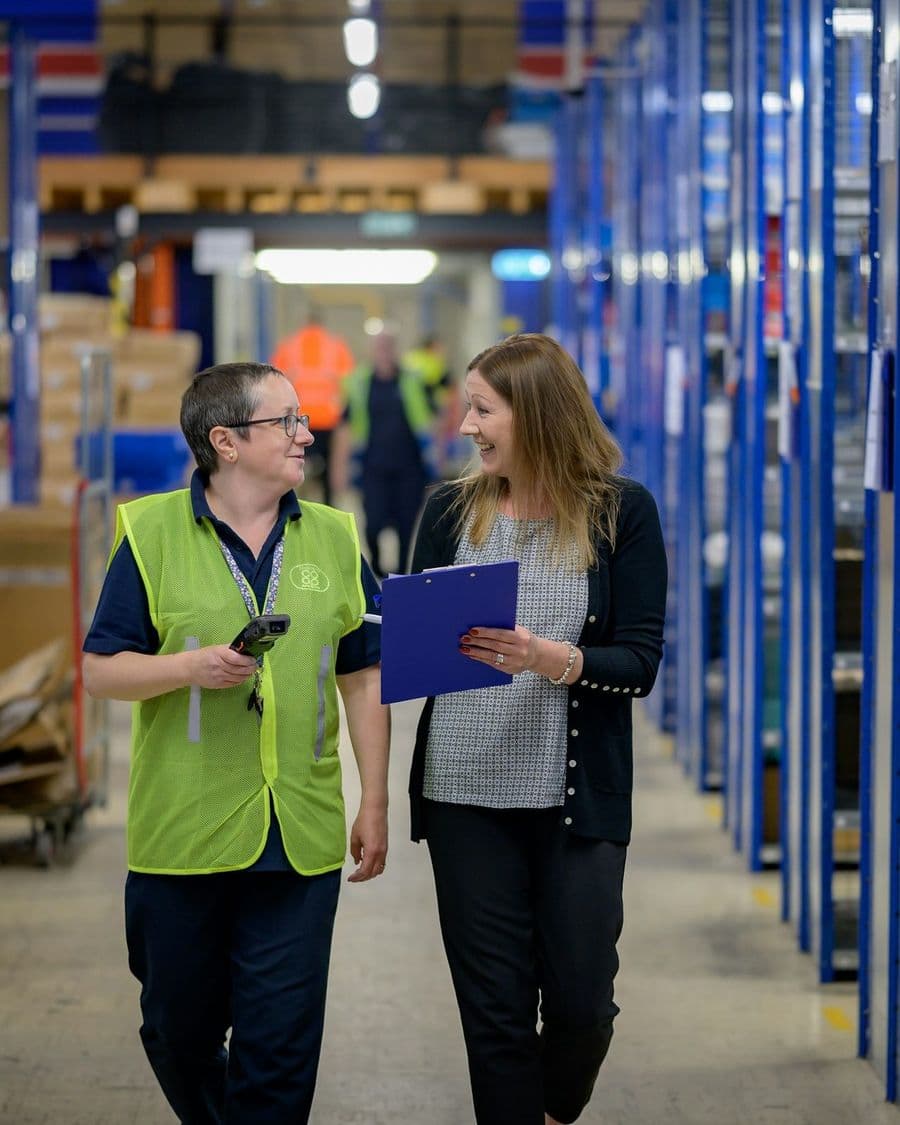
  • Operations staff walking a warehouse aisle reviewing a clipboard
    HealthcareHybrid
    Dates on request

    AI for Healthcare Admin

    with DAIDU faculty

    Duration
    1 day
    Location
    Dubai
    Audience
    For clinic managers, front-office and admin teams

    Design an appointment and reminder workflow and a non-clinical FAQ assistant for your clinic.

    On request

    Register interest
    Proposed

Consultation

Discuss this automation

Want Inventory Restocking Alerts running in your business? Tell us about your tools and volumes and we will scope it with you.
  • A 30-minute call with someone who builds automations
  • We look at one process you repeat every week
  • You leave with a clear next step, whether or not you work with us
Discuss This Automation

Replies within working hours

or chat on WhatsApp
We use your details only to respond to this request. Pricing depends on scope and is confirmed after discovery.